Keep your work close
Run inference on your own machine. Offline local workflows can keep prompts and documents on-device; connected tools have their own data flows.
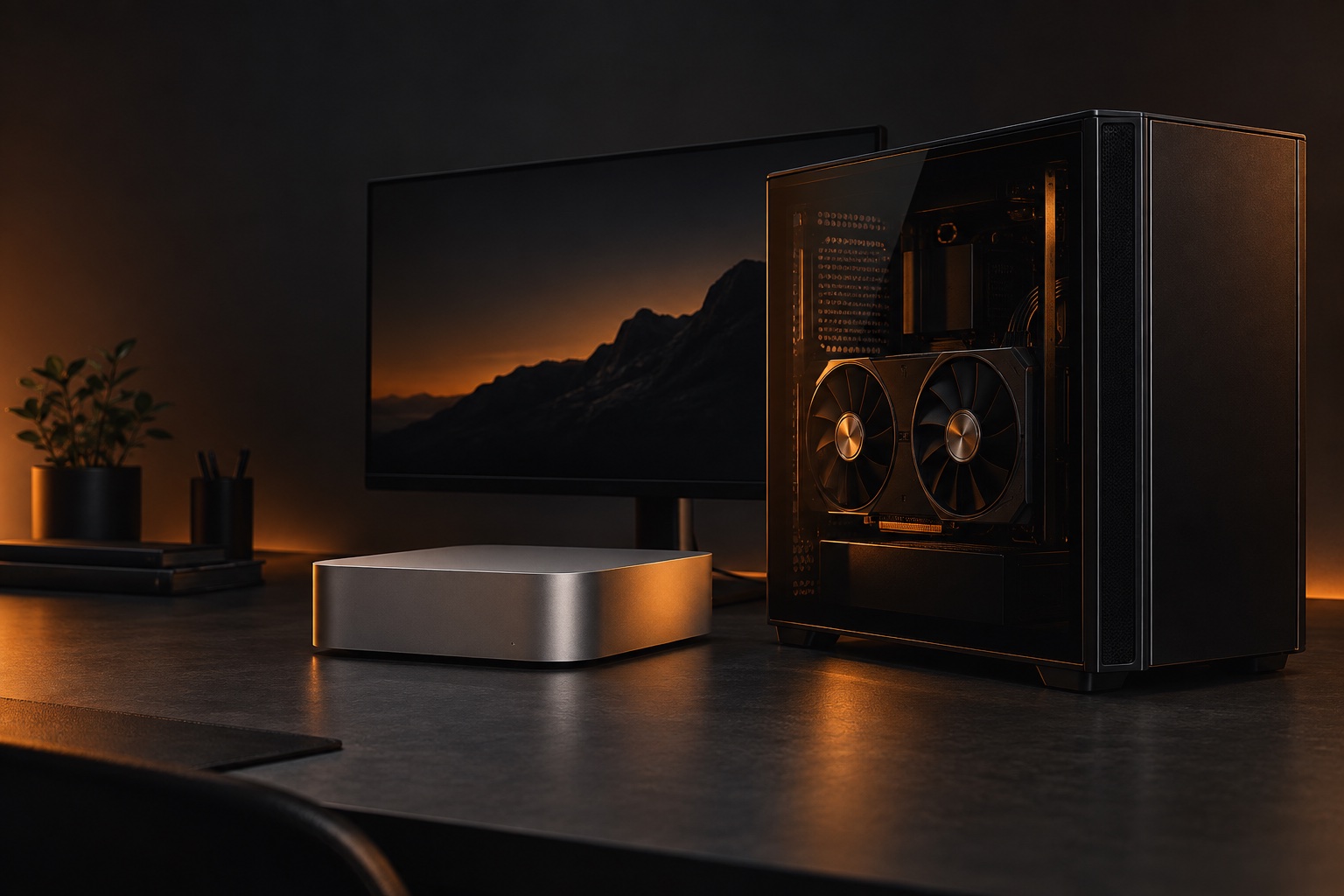
A gaming PC. A compact Mac. Your next AI workspace might already be on your desk. Find the model that fits—and measure what it can actually do.
TokFire Bench · Free 1–3 concurrent jobs · No login neededInteractive illustration · not benchmark results
Explore real measurementsSmaller model files open the door to useful local AI. Choose your model, keep inference close to your files, and put the hardware you own to work.
Run inference on your own machine. Offline local workflows can keep prompts and documents on-device; connected tools have their own data flows.
Pick your model, context and runtime. Keep a working version for your workflows and change it on your schedule.
Use the same machine for coding, document work and chat. Local inference avoids per-token API billing, with hardware and electricity costs still yours.
ISTA-DASLab’s GSQ + RCO quantization allocates precision unevenly across a model. Its Qwen3.8-27B IQ3_S file is 11.8 GB, making a 16 GB GPU an interesting place to start.
The authors report near-baseline results on selected tests. This is compressed precision—not the original full-precision model, and not a promise of identical answers.
Read the model evidenceThen add working memory.KV cache + runtime buffers + optional vision / MTP components
Three PC builds. Three Macs. Curated starting configurations based on published model sizes and hardware specifications—not measured rankings.
Modern 6–8 core CPU
32 GB RAM · 1 TB NVMe
A compact 27B quant makes a 16 GB gaming GPU worth testing. Choose the 16 GB card, not the 8 GB variant.
Modern 8+ core CPU
64 GB RAM · 2 TB NVMe
Already own a 24 GB GPU? Keep it. The same compact model leaves more capacity for context and runtime buffers.
Modern 8+ core CPU
64 GB RAM · 2 TB NVMe
The largest VRAM option here gives more room to explore concurrent jobs. Measure per-job latency before treating it as a shared server.
18-core CPU · 20-core GPU
1 TB SSD
Unified memory gives the model and macOS a shared pool. A 48 GB configuration is a sensible starting point for this 4-bit model.
18-core CPU · 40-core GPU
1 TB SSD
More memory for a longer working conversation and other desktop apps. Test a second job only after your single-job baseline passes.
30-core CPU · 64-core GPU
2 TB SSD
Extra capacity makes this a candidate for parallel experiments. It does not prove that every job will stay responsive.
Download size is not total memory use. Leave room for the OS, runtime, vision components and KV cache—the model’s working memory. Context and concurrent jobs increase demand. These starter settings are experiments, not a guarantee of speed or agent success. Use a runtime that supports this model; TokFire has not validated these six combinations yet.
Test your own setup →Fast text generation is only one part of the story. TokFire measures the wait, the completed work and what changes when jobs overlap.
Run chat, business, document or a local agent-tool workload. Capture completion, first output and task latency.
Repeat with 2 or 3 jobs calling the same model. Watch per-job responsiveness and failures, not just combined throughput.
Read the workload-fit grade. Save the report locally, upload as a guest, and choose separately whether to publish it.
Six practical guides: your first assistant, private document Q&A, Mac MLX, GPU memory, tool agents and concurrent jobs.
Start free with 1–3 concurrent jobs on one model. Pro is planned at HK$180 once for up to 20 jobs on one activated device; paid release awaits store approval.
Methodology & limitationsInstall Python and a compatible inference runtime separately. Mac supports GGUF with llama.cpp or MLX with oMLX. Optional MTP requires a compatible runtime and extra configuration; TokFire does not enable it automatically.
The Mac DMG is ad-hoc signed, not notarized. Windows is unsigned; native Windows/GPU testing is pending. Android connects to an existing on-device or LAN runtime; it does not bundle a model engine. Physical-phone validation is pending.
Automatic upload is on before Run and can be disabled. Public sharing is separate and off by default. Failed uploads stay queued; reports are saved locally. Desktop 0.9 adds Pro parameter experiments with local-only reports; activation awaits product setup. Version 0.8 added CSV analysis, multi-page research and retry simulations with verified task checks. These are TokFire simulations, not actual third-party agent runs. Android 0.7 retains the original profiles.
Download sourceConnect the desktop app →